Notes : Before installing Pdf Template Plugin, please use your vTigerCRM and Database Backup first.
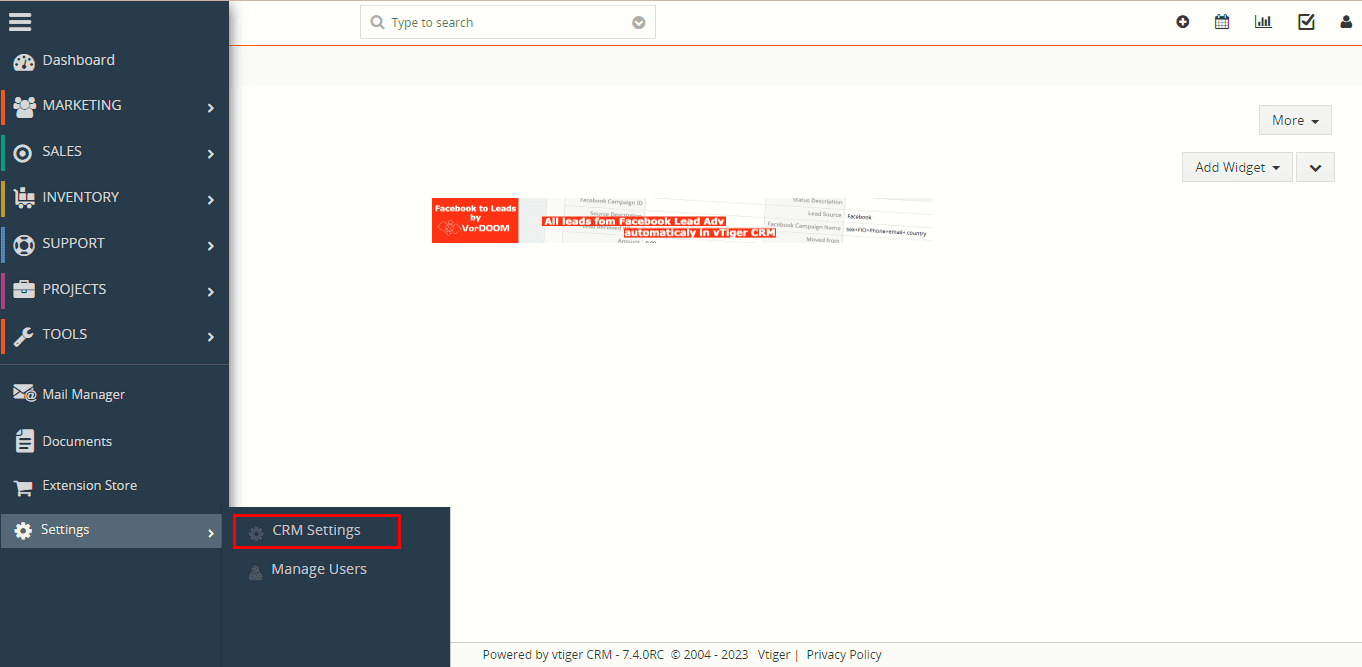
1. Go to the Dashboard page, Click on the Menu as shown in the screenshot below.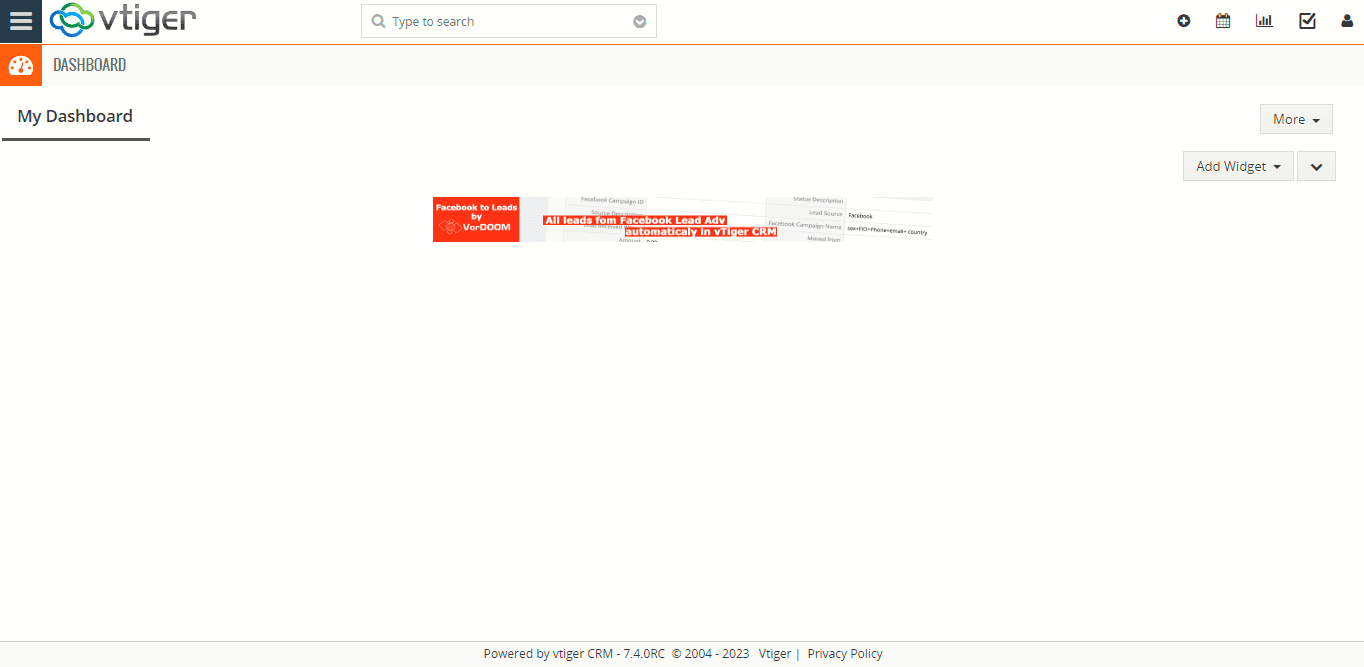 2. To open the “Settings” Page, Click on the CRM Settings as shown in the screenshot below.
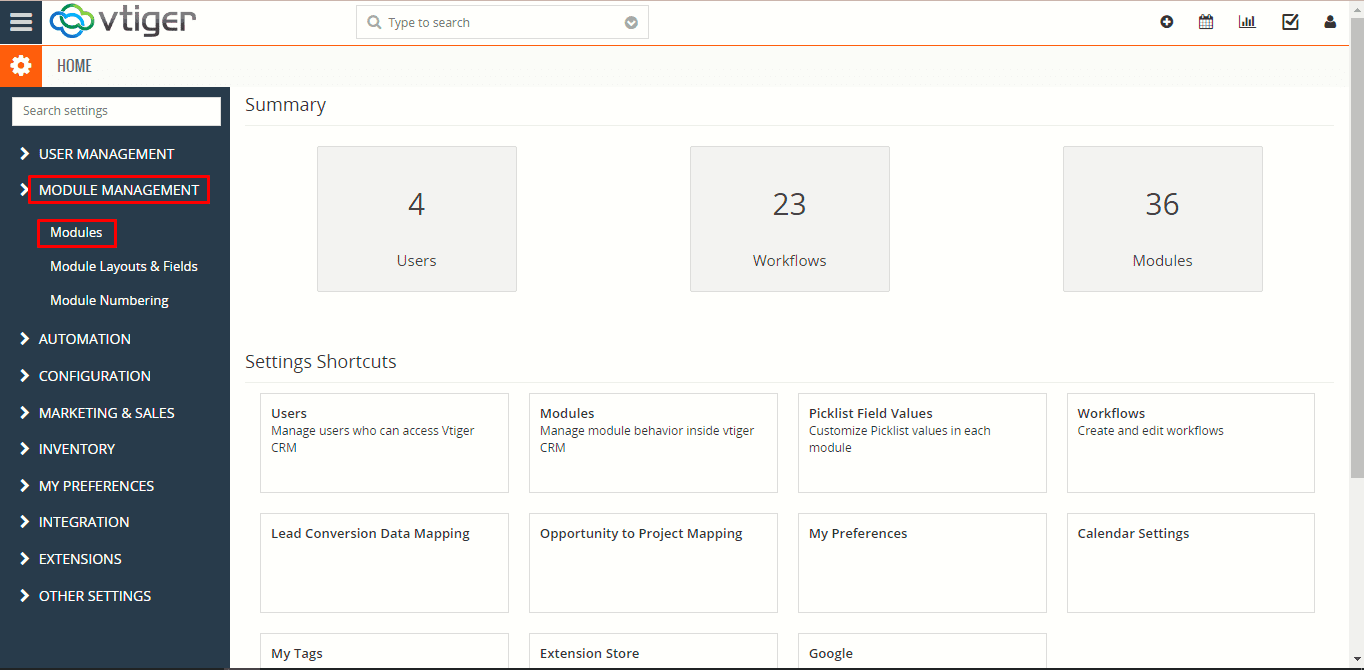
 3. In the CRM Settings, Open Module Management Menu, Click the Modules link as shown in the screenshot below.
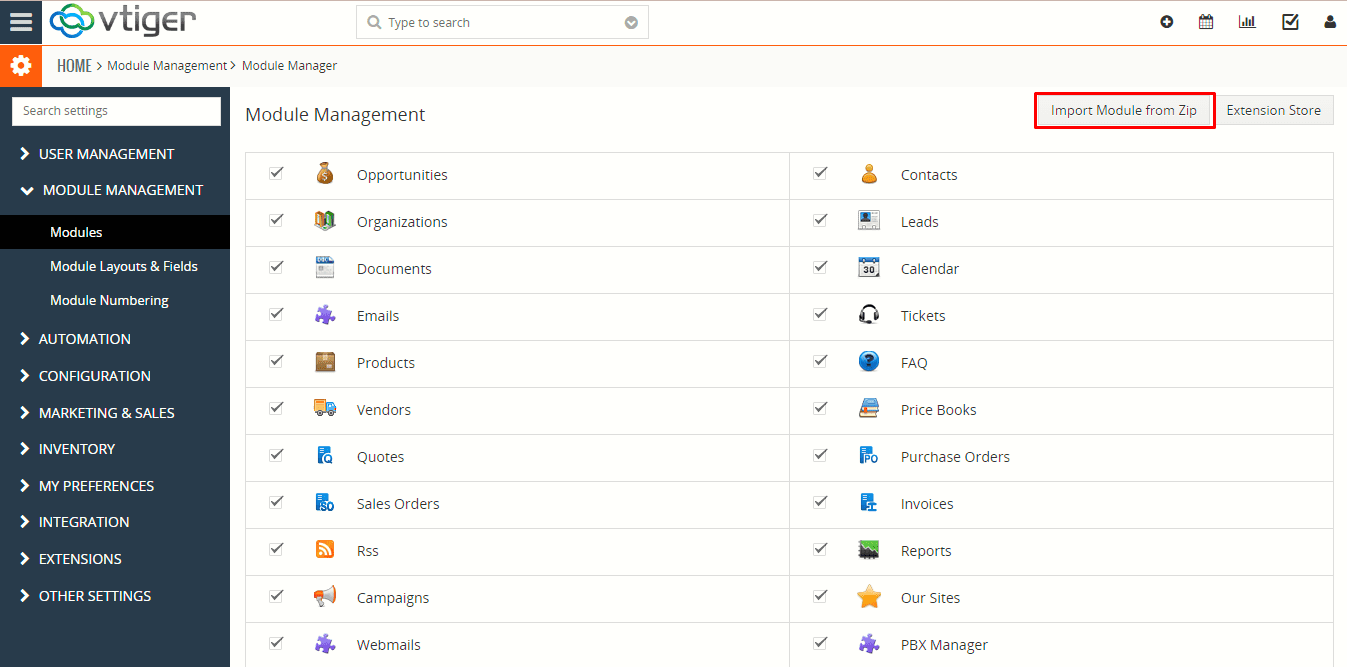
  4. In the Module Manager Page → Click on the Import Module From Zip Button.
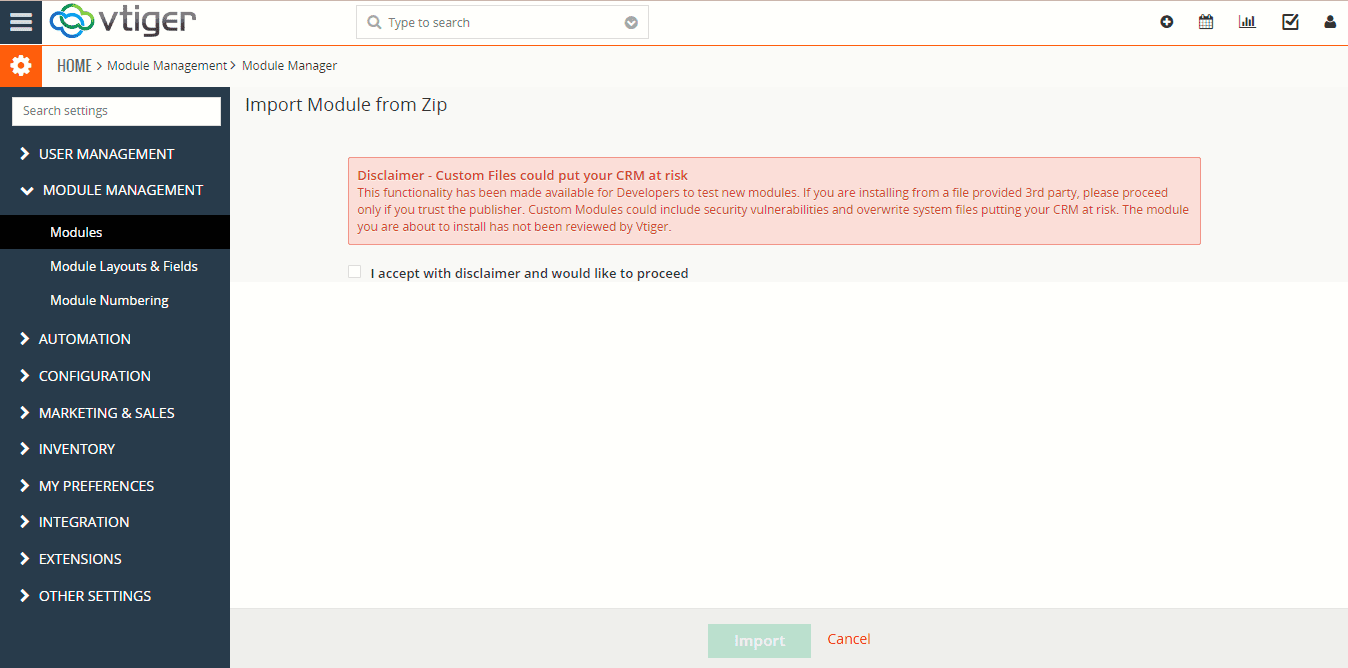
 5. In the Module Manager Page → Check the Checkbox Button for Terms and Conditions.
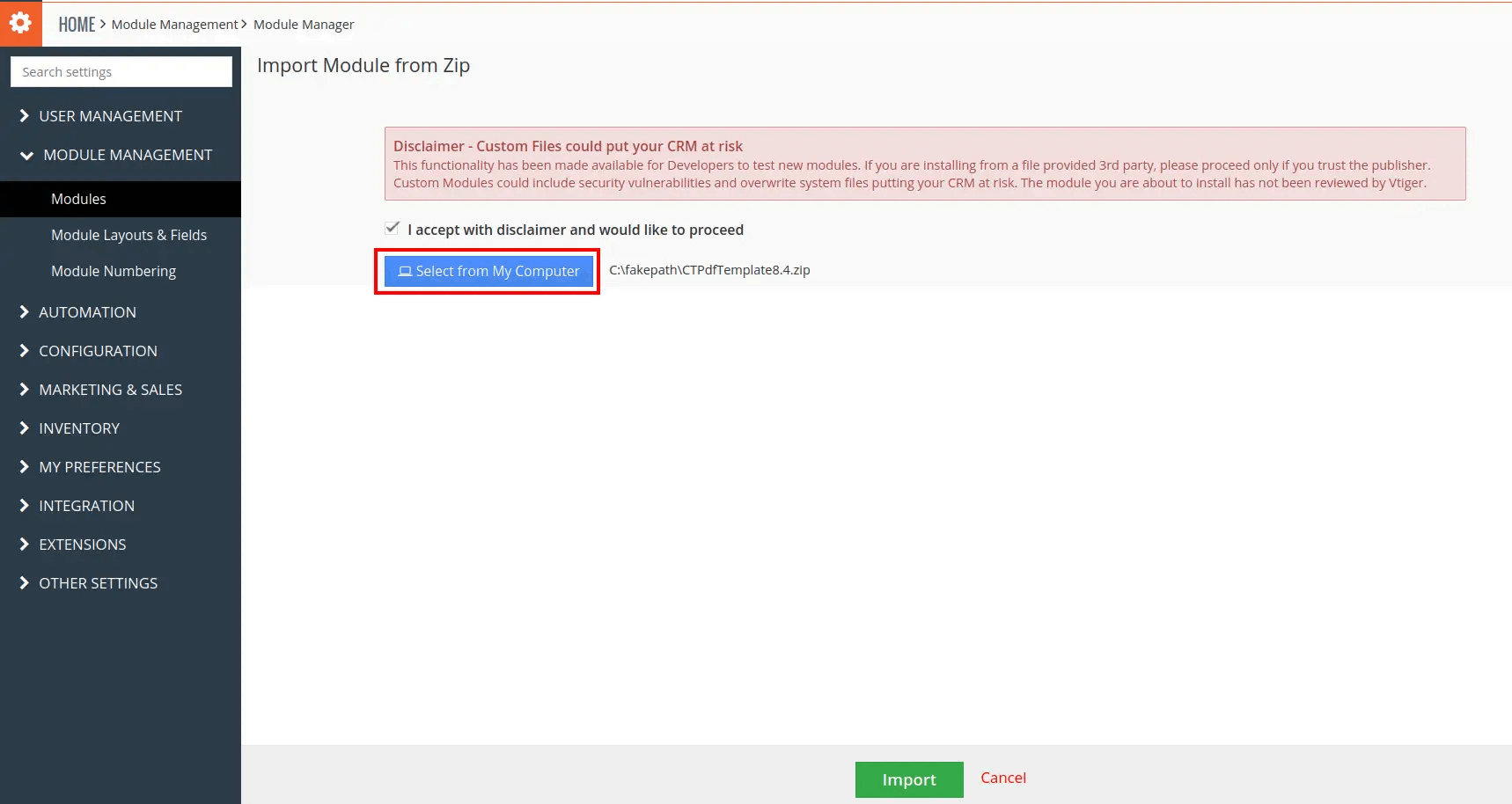
 6. In the Module Manager Page → Click on the Select From My Computer Button to select zip file → Click on the Select From My Computer Button to upload the PDF Template Plugin(zip file).
 7. On the Module Manager page → Click on the Import Button to install PDF Template Plugin.
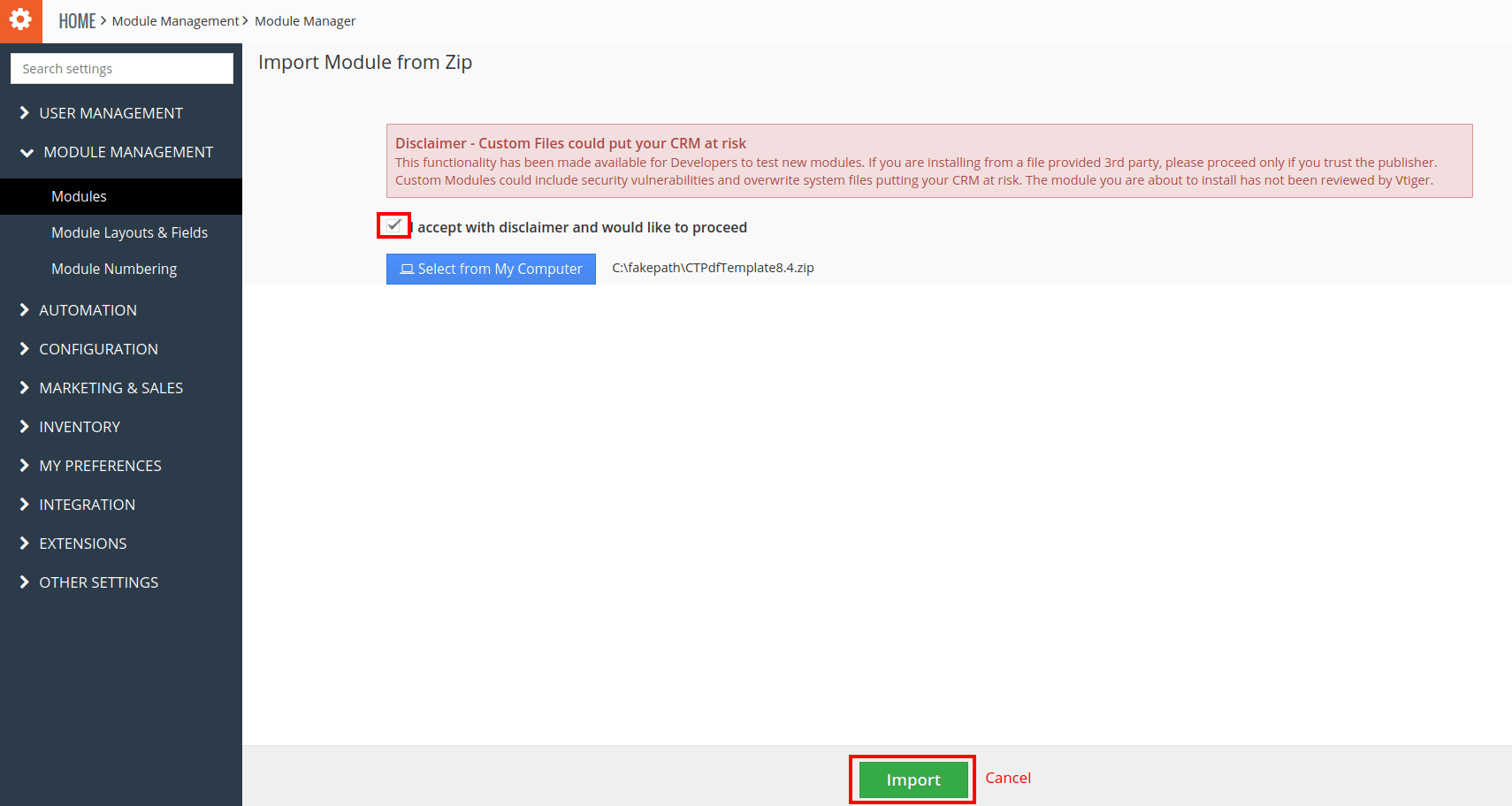 8. To accept the Terms and Conditions, Check the Checkbox Button → Click on the Import Now Button.
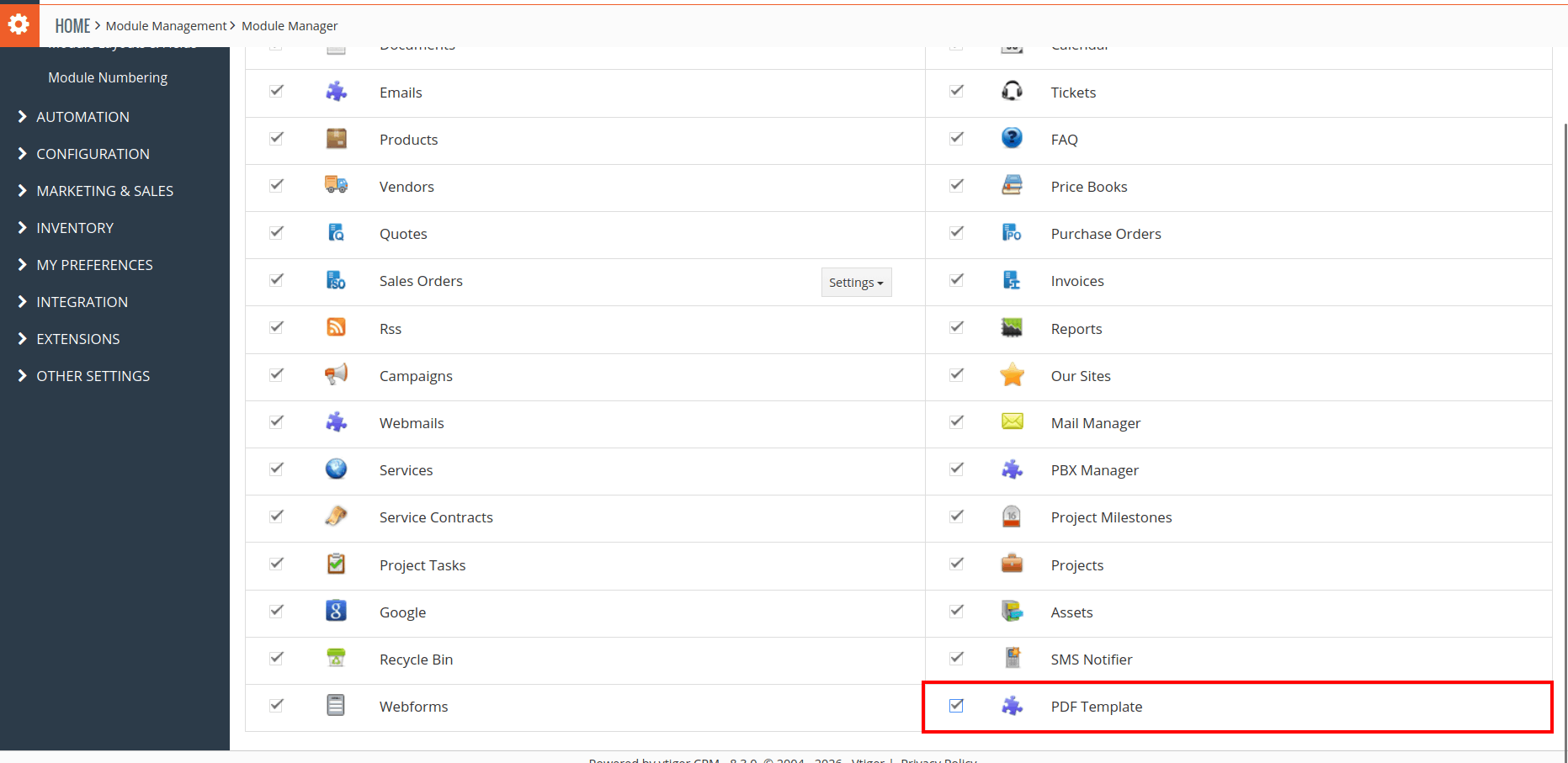
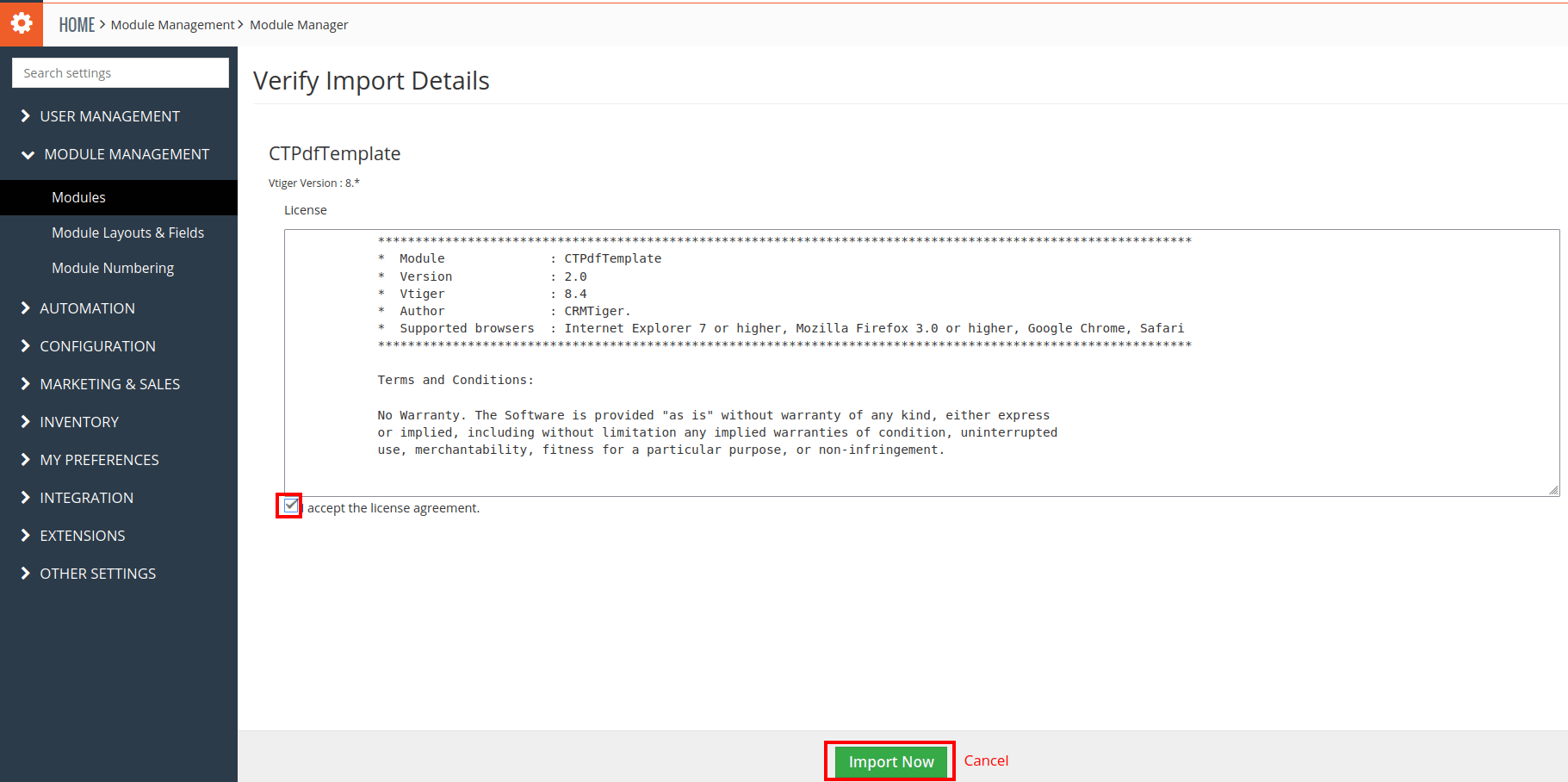 9. After Successful Installation → It redirects you to Module Manager and Now You can see the Power Layout Plugin is installed.
 10. After Successful Installation you can see the link “PDF Template” on the Tools Menu as shown in the below screenshot.
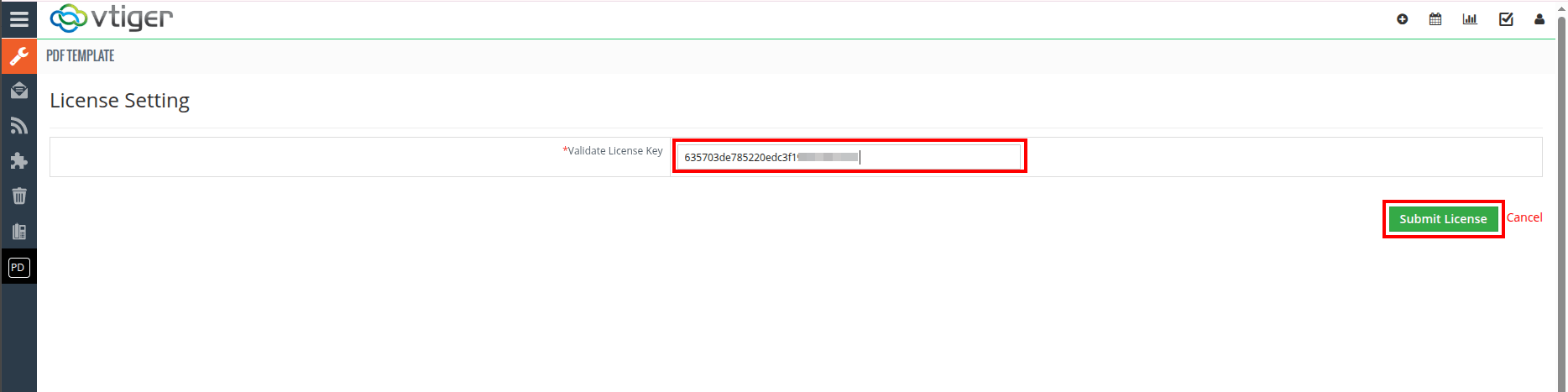
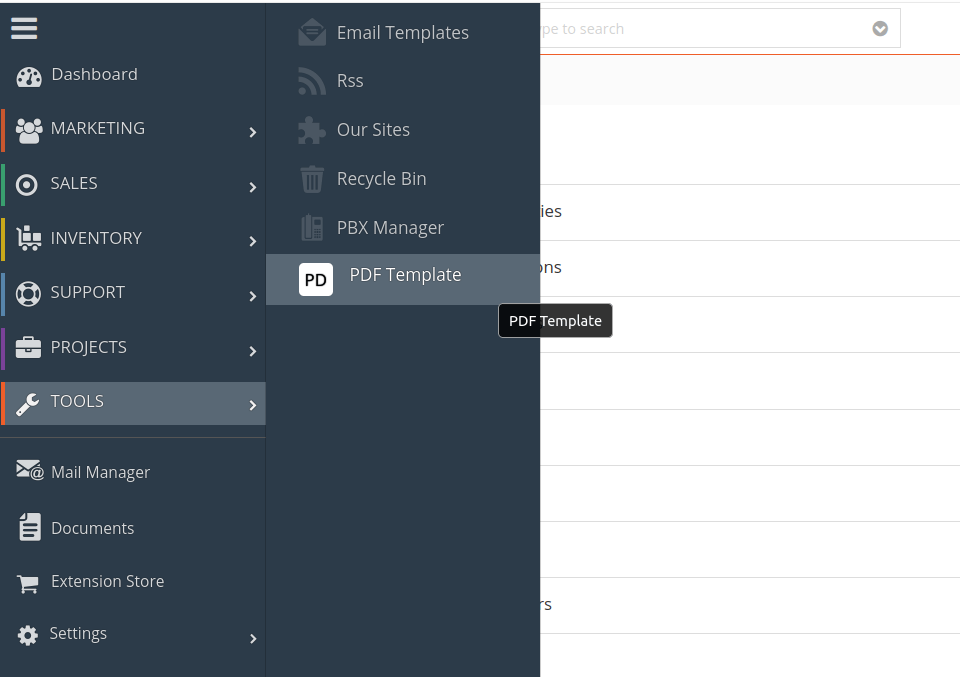 11. Once you Click PDF Template in vTiger and it open the License Configuration page.
12. Obtain the License Key: After placing the order from CRMTiger.com, check your order confirmation email for the license key. Refer to the image below for guidance. 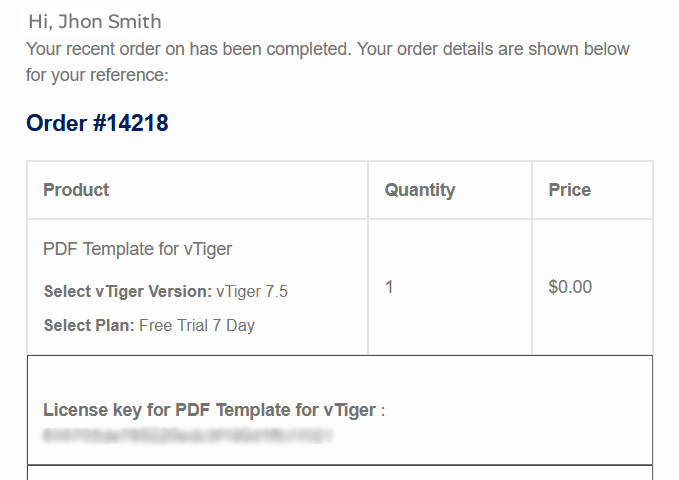 13. Activate the Extension: Copy the license key from your email, paste it into the License Key field on the License Configuration page, and click the activation button to complete the process.